Hey there! 👋
Agar aapne kabhi socha hai ki PHP aur SQL databases kaise milkar dynamic websites ko power karte hain, to aap bilkul sahi jagah par ho.
2026 me bhi backend development ka core concept wahi hai — data ko securely store karna, fetch karna aur efficiently use karna.
Is post me hum SQL databases aur PHP ke relationship ko simple language me samjhenge — sirf “how” nahi, balki “why” bhi.
Chahe aap beginner ho jo web development start kar raha hai, ya koi jo backend basics ko solid banana chahta hai — ye guide aapke kaam aayegi.
The Heart of It: SQL Databases in PHP Explained
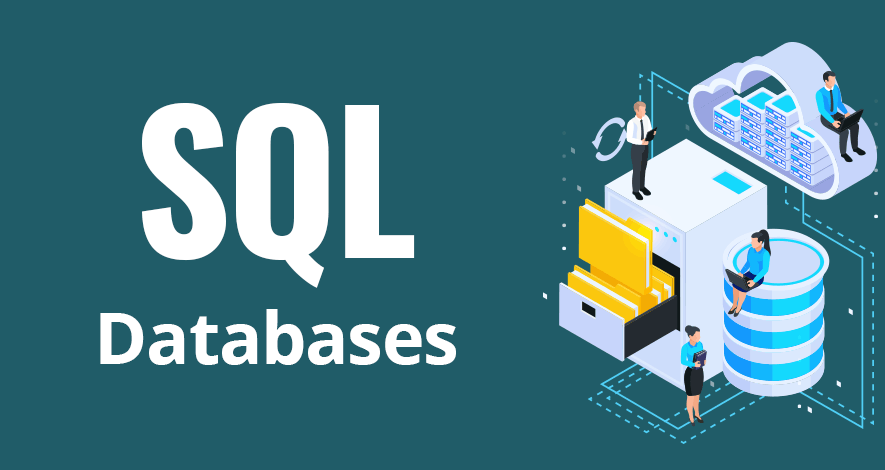
Ek SQL database ko aap ek highly organized digital filing cabinet samajh sakte ho jahan data rows aur tables ke form me safely store hota hai.
PHP ka role hota hai:
- Database se baat karna
- Data mangna (read)
- Naya data store karna (insert)
- Existing data update ya delete karna
SQL (Structured Query Language) wo language hai jiske through PHP database ko instructions deta hai.
Simple shabdon me:
- PHP = Brain / Controller
- SQL = Communication language
- Database = Data store
Why PHP + SQL Is Still a Powerful Combo in 2026
Despite new technologies, PHP aur SQL ka combo aaj bhi widely use hota hai kyunki:
- Ye stable aur proven hai
- Hosting almost har jagah available hoti hai
- Performance business-level websites ke liye perfect hai
- CMS platforms (WordPress, Laravel apps) isi par based hote hain
Isi wajah se PHP + SQL seekhna beginners ke liye bhi aur professionals ke liye bhi useful hai.
Connecting PHP with SQL: The Basic Workflow
Jab bhi PHP database ke saath kaam karta hai, usually ye steps follow hote hain:
Establish a Connection
PHP database se connect hota hai using credentials jaise hostname, username, password aur database name.Write SQL Queries
Queries likhi jaati hain data fetch, insert, update ya delete karne ke liye.Handle the Results
Database response deta hai, jise PHP process karta hai (loops, conditions, output).Close the Connection
Connection close karna ek best practice hai — ye performance aur security dono ke liye achha hota hai.
Quick Example: Using MySQLi with PHP
Neeche ek simple example hai jo MySQLi (Object-Oriented style) ka use karta hai:
$conn = new mysqli('localhost', 'username', 'password', 'database');

// Check connection
if ($conn->connect_error) {
  die('Connection failed: ' . $conn->connect_error);
}

// SQL query
$sql = 'SELECT * FROM users';
$result = $conn->query($sql);

// Handle result
if ($result->num_rows > 0) {
  while ($row = $result->fetch_assoc()) {
    echo 'User: ' . $row['username'] . '<br>';
  }
} else {
  echo 'No users found';
}

// Close connection
$conn->close();